PureVPN promo code: the October discount on all plans
PureVPN's current code is listed as a discount on all plans, valid worldwide until 31 October 2026. How to compare plan lengths after the code, what to check about renewal prices and refunds, and when a VPN is worth paying for at all.

Some links in this article lead to partner services. If you make a purchase there, the site may receive a commission; this does not affect the price or our assessment.
The current PureVPN code is in the block right under the title. As of 8 October 2026 it is listed as "20 OFF on all plans", valid worldwide until 31 October 2026. The offer text does not say whether that means 20% or a fixed amount, so the reliable figure is the discount line you see in the cart after entering the code.
Comparing plans after the code
VPN prices depend heavily on the plan length: longer plans cost less per month but tie you in. A code that applies to all plans changes the total, not that basic trade-off.
Plan length | Typical trade-off | What to check |
|---|---|---|
One month | Highest price per month, easy to stop | Whether the code applies to monthly billing |
One year | Lower monthly cost | Renewal price after the first year |
Two years or longer | Lowest monthly cost | Refund window and renewal price |
Divide the total after the code by the number of months to compare plans fairly, and look at what the plan renews at, because introductory prices often differ from renewal prices.
How to apply the code
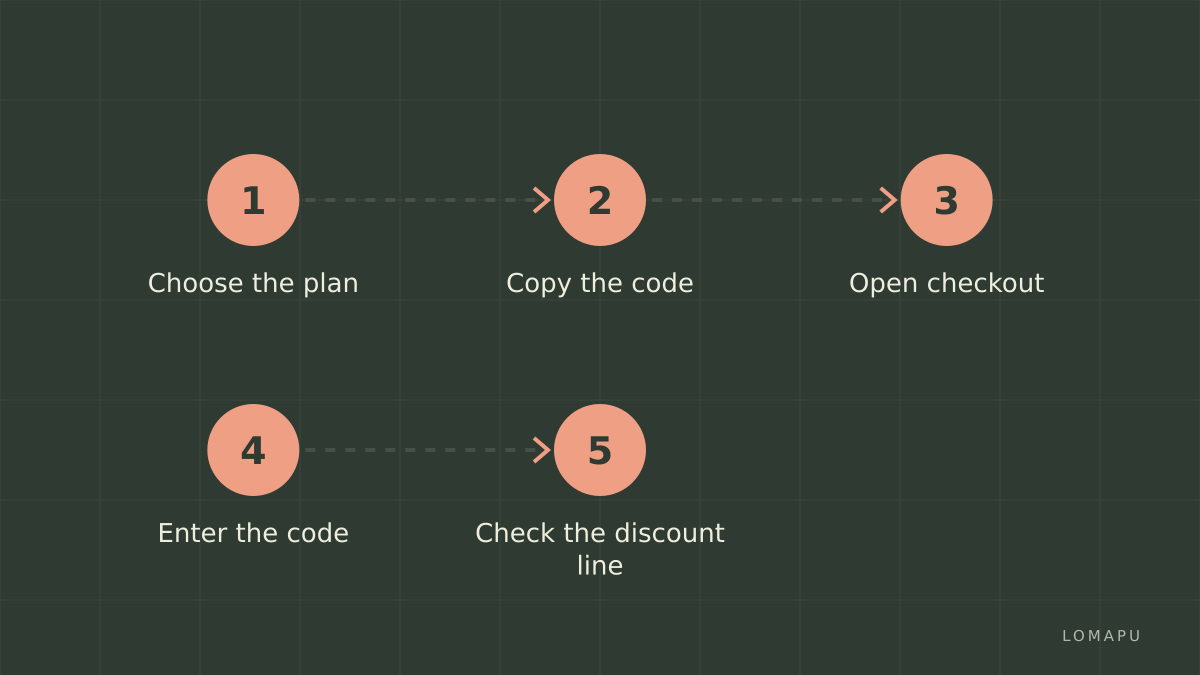
Choose the plan, copy the code from the block above and open PureVPN with the button next to it. Enter the code at checkout and read the discount line before paying. You can also open PureVPN and compare plans first.
Is a paid VPN worth it for you
A VPN encrypts traffic between your device and the VPN server, which helps on public Wi-Fi in hotels, airports and cafés, and it changes the location websites see. It does not make you anonymous and it does not protect against phishing or malware. Before paying, check the number of devices allowed, whether the apps exist for all your devices, server locations in the countries you need, and the provider's published policy on logs. Also check the laws on VPN use in the countries where you will use it.
Setting up a VPN once you have paid
Install the app on each device you plan to use and test it before you travel: connect to a server in your home country and in your destination, open the services you rely on, and check the speed. Turn on the option that blocks traffic if the VPN connection drops, if the app offers one. Keep the login details and the refund deadline somewhere safe, so that you can cancel within the window if the service does not work for you.
Common questions
Is it 20% or $20? The offer text says "20 OFF"; the checkout shows the exact amount.
Does the code apply to renewals? Codes usually apply to the first payment; check the renewal price before the term ends.
Can I get a refund? Read the refund window and conditions on the checkout page before paying.
Before paying
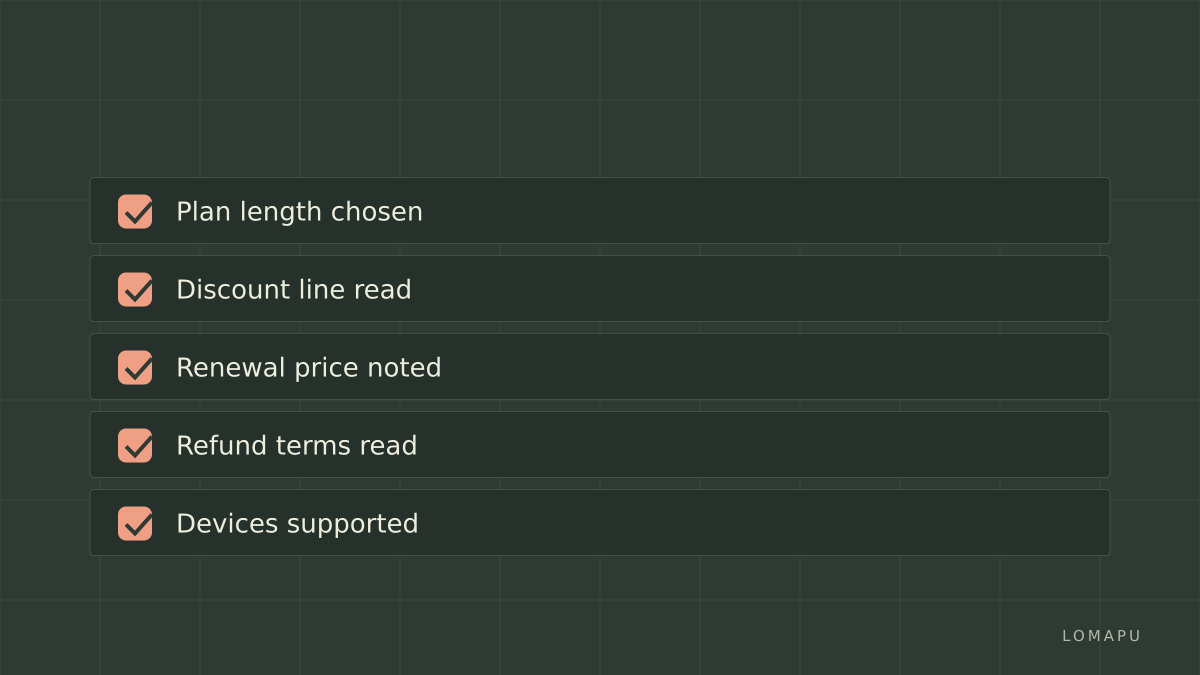
the plan length suits how long you need a VPN;
the discount line is visible in the cart;
the renewal price is noted;
refund terms and supported devices are clear.
When it fits, complete the purchase on PureVPN. The provider sets the final terms of the offer.