Elementor login – 3 ways to access your editor (2026)
Quick guide to the three ways to sign into Elementor and start editing: WP Admin, Elementor account, or Elementor Cloud. Includes a comparison table with prices and limits.

Some links in this article lead to partner services. If you make a purchase there, the site may receive a commission; this does not affect the price or our assessment.
elementor login is done three ways: through your WordPress admin at /wp-admin to use the free plugin, via your Elementor account at elementor.com to manage Pro licenses, or by signing into an Elementor Cloud Website account that includes hosting. The WordPress admin route uses your site username and password; the Elementor account manages license activation and downloads and shows current plan pricing (Elementor Pro Personal listed at $59/year on the pricing page). Below you get a short decision list, a comparison table with concrete numbers and one drawback per option, situation scenarios, step-by-step login steps, and an FAQ.
In short – key takeaways:
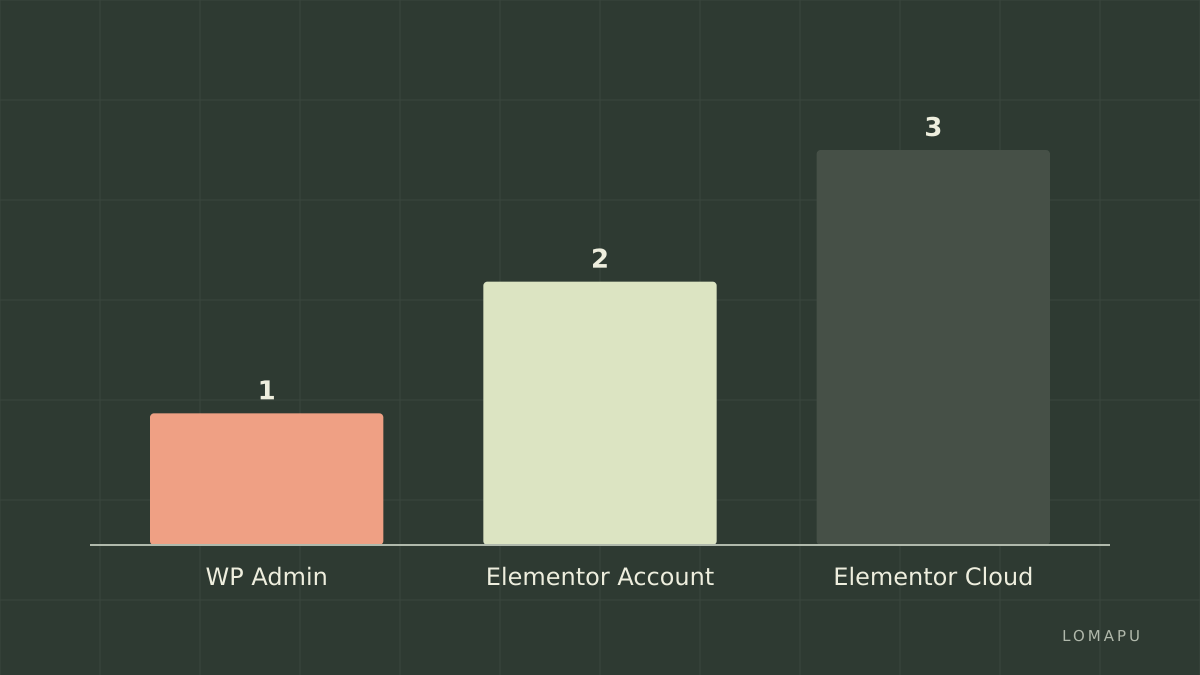
WP admin first – use /wp-admin with your site user to edit with Elementor Free; this suits single-site owners who want no extra subscription.
Elementor (Pro Personal – theme builder access) – buy to unlock theme builder and attend to license activation on elementor.com for one site at $59/year Elementor (Pro Personal – theme builder access).
Elementor (Cloud Website – hosting included) – pick if you want hosting plus one-click login; cloud plan price shown on Elementor Cloud page and includes a managed site.
Limitations – Elementor can add frontend asset load; consider Divi as an alternative if tight performance control matters.
Which login option fits my daily editing task?
Choose WP admin when you need a quick edit flow: log into your site at example.com/wp-admin, open a page, click Edit with Elementor, and you have the editor. Choose an Elementor account when you need license management, Pro templates, or support – you sign in at elementor.com/login and activate your license key on the site. Choose Elementor Cloud Website when you want hosting that auto-connects your Elementor account to a managed site and SSO. If you edit daily and run one site without hosting worries, WP admin plus the free plugin is usually fastest; if you need theme builder and premium widgets, the Pro Personal plan (one site, $59/year) is the cheapest upgrade shown on the pricing page.
Comparison table – which route to pick now?
Option | Who it suits | Key number | Main drawback |
|---|---|---|---|
WP Admin (Free plugin) | Solo site owners editing content quickly | No external fee – plugin free; log in via /wp-admin on your site | Lacks Pro widgets and theme builder |
Elementor (Pro Personal – theme builder access) | Creators who need theme builder and Pro widgets | $59/year for 1 site (source: elementor.com/pricing/) | Annual license renewal required; renewals add cost |
Elementor (Cloud Website – hosting included) | Users who want hosting and one account for login | Hosting + Elementor; site auto-connected (details on Elementor Cloud page) | Hosting tied to Elementor’s platform; limited control vs separate host |
Every recommended option lists one honest drawback. The table row for Pro links to Elementor (Pro Personal – theme builder access).
How do I log into Elementor from WordPress step by step?
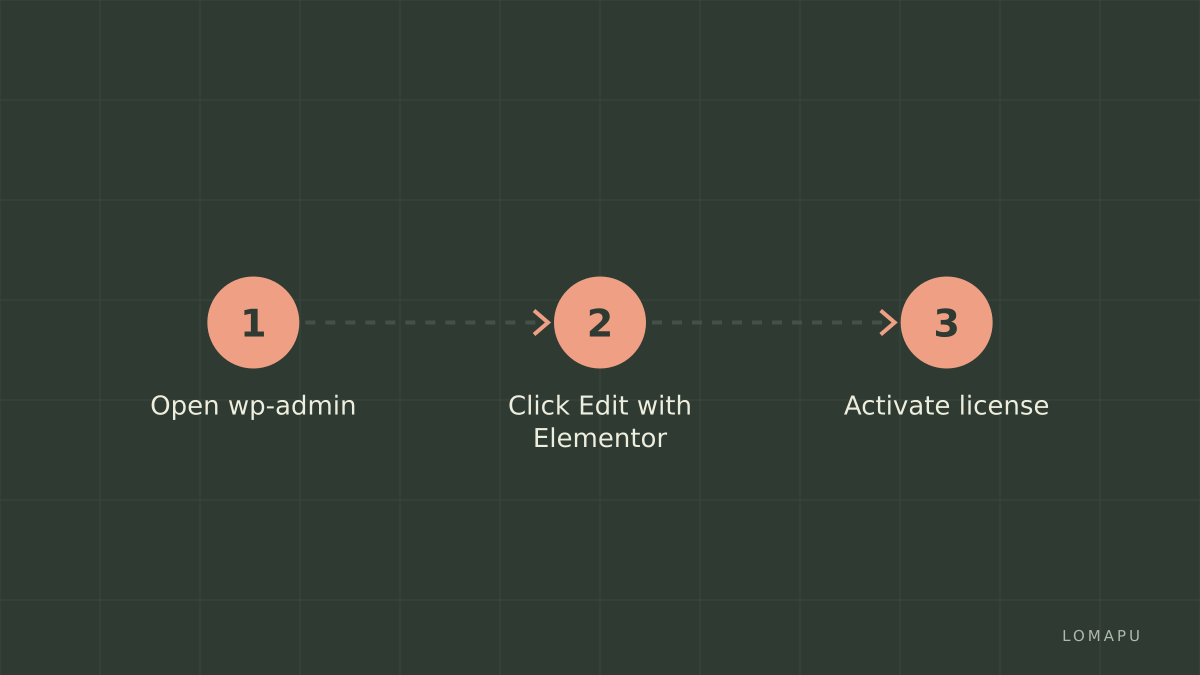
Go to yoursite.com/wp-admin and sign in with your WordPress user and password.
From the dashboard, open Pages and hover the page you want to edit, then click Edit with Elementor.
If the editor fails to load, clear any caching plugin, switch to a default theme temporarily, and check PHP memory limit; increase to at least 128M if needed.
To use Pro features after purchase, obtain your license key from elementor.com/login, copy it, then on your site go to Elementor > License and paste the key to activate. These steps keep the editor linked to both the site user and your Elementor account.
How does logging into elementor.com differ and why manage a license there?
Signing into elementor.com lets you download Pro plugin files, view billing, and manage site licenses. Create or log into your Elementor account at elementor.com/login, go to My Account to see purchases and license keys. To activate a site: on your WordPress site go to Elementor > License and click Connect & Activate which performs an API link between the site and your elementor.com account. The elementor.com account also stores subscription details like the $59/year Personal plan shown on the pricing page and support access. Use this route when you have multiple sites to track or when you need to reissue keys.
What changes with Elementor Cloud Website logins?
Elementor Cloud Website ties hosting, SSL, backups, and the Elementor editor to a single account. When you buy a Cloud Website plan you receive sign-in credentials for the cloud dashboard; opening the site editor uses single sign-on so you do not enter separate WP admin credentials for the hosted site. Cloud plans include managed hosting and automatic backups; see the Elementor Cloud page for current features and limits. The trade-off is reduced server-level control compared with separate hosting providers.
FAQ
Q: Where do I sign in to manage my Elementor subscription? A: Sign in at elementor.com/login to view purchases and license keys. After signing in, go to My Account to access billing and keys for activation on WordPress sites. Use this account to download Pro plugin files and transfer licenses if allowed by your plan.
Q: Can I edit with Elementor without an Elementor account? A: Yes, you can edit pages with the Elementor Free plugin via your site’s /wp-admin using your WordPress user. However, Pro features and license management require an elementor.com account.
Q: What if Edit with Elementor fails to load in the editor? A: Increase PHP memory limit to at least 128M, disable caching plugins temporarily, switch to a default theme to isolate conflicts, and update plugins. If the problem persists, use your elementor.com account to open support for Pro subscribers.
Q: Does Elementor Cloud Website require separate billing? A: The Cloud Website plan bundles hosting and Elementor into one recurring payment; billing and site credentials are managed through your Elementor account as shown on the Cloud page.
Q: How do I disconnect a site from my Elementor account? A: In elementor.com under My Account remove the site from Active Sites, then on the WordPress site go to Elementor > License and click Disconnect to deauthorize the license.
Decision rule: If you only need fast daily edits on one site, log in via WP admin; if you need Pro widgets or theme builder, buy and activate Elementor (Pro Personal – theme builder access); if you want hosting plus SSO, choose Elementor (Cloud Website – hosting included). Note one limitation: Elementor can increase frontend asset load and affect performance; consider Divi as a design-focused alternative.
Sources:
https://elementor.com/login/
https://elementor.com/pricing/
https://developer.wordpress.org/support/users/editing-wp-admin/
https://elementor.com/help/elementor-cloud-website/