Pdfelement free – 3 checks before you pay (solo users)
pdfelement free opens and annotates PDFs but exports edited files with a watermark; check the table for feature limits, a price point for upgrades, and a step plan to decide today.

Some links in this article lead to partner services. If you make a purchase there, the site may receive a commission; this does not affect the price or our assessment.
pdfelement free opens, reads and annotates PDFs but exports edited files with a visible watermark and restricted export features; to remove the watermark you must upgrade to a paid plan. The free option still supports basic annotation and form filling, while the paid annual Standard plan lists a price of $69.99 and the Pro plan $129.99 per year on the official pricing page (source: https://pdf.wondershare.com/pdfelement/pricing.html). Below you get a comparison table, three scenario checks, and a step plan to pick the right option for your daily task.
In short – key takeaways
PDFelement Free basics – open, annotate, fill forms; exports add a watermark; use PDFelement Free to verify annotations before deciding.
Cost and upgrade trigger – Standard $69.99/year, Pro $129.99/year for Windows on the pricing page; choose upgrade when you need OCR, batch processing, or redaction.
Daily-task rule – if you edit fewer than 5 PDFs per month and can accept a watermark, stay with Free; if you need clean exports, upgrade to Standard.
Honest limitation and alternative – PDFelement Free does not remove export watermarks; an alternative is Adobe Acrobat Reader DC (limited editing) or Smallpdf for single-file paid tasks.
What exactly does pdfelement free let you do and not do?
PDFelement Free opens and displays PDFs, highlights text, adds comments, and fills interactive forms; these editing actions appear correct on screen. Exporting or saving edited PDFs produces a watermark on pages you changed, and some advanced exports like searchable OCR or batch conversion are locked behind paid plans. The features page lists OCR, redaction, and batch processing as Pro-only capabilities (source: https://pdf.wondershare.com/pdfelement/features.html). Use PDFelement Free to confirm the watermark behavior on your operating system before committing to a plan.
Comparison table – concrete numbers and limits
Option | Who it suits | Key number / limit | Main drawback |
|---|---|---|---|
PDFelement Free | Solo users who read and annotate occasionally | Watermarked exports after edits; unlimited installs | Exports carry a visible watermark on edited pages |
PDFelement Standard Annual | Users needing clean exports and basic conversions | $69.99 per year (Windows annual price listed) | No advanced OCR and limited redaction |
PDFelement Pro Annual | Power users who need OCR, redaction, batch tasks | $129.99 per year (Windows annual price listed) | Higher cost for occasional users |
One row links the product to the program: PDFelement Standard Annual is available via PDFelement Standard annual for clean exports, listed on the official pricing page. Each paid option includes a trial window; verify platform-specific prices before purchase on the pricing page (source: https://pdf.wondershare.com/pdfelement/pricing.html).
Which scenario fits the free plan versus upgrade?
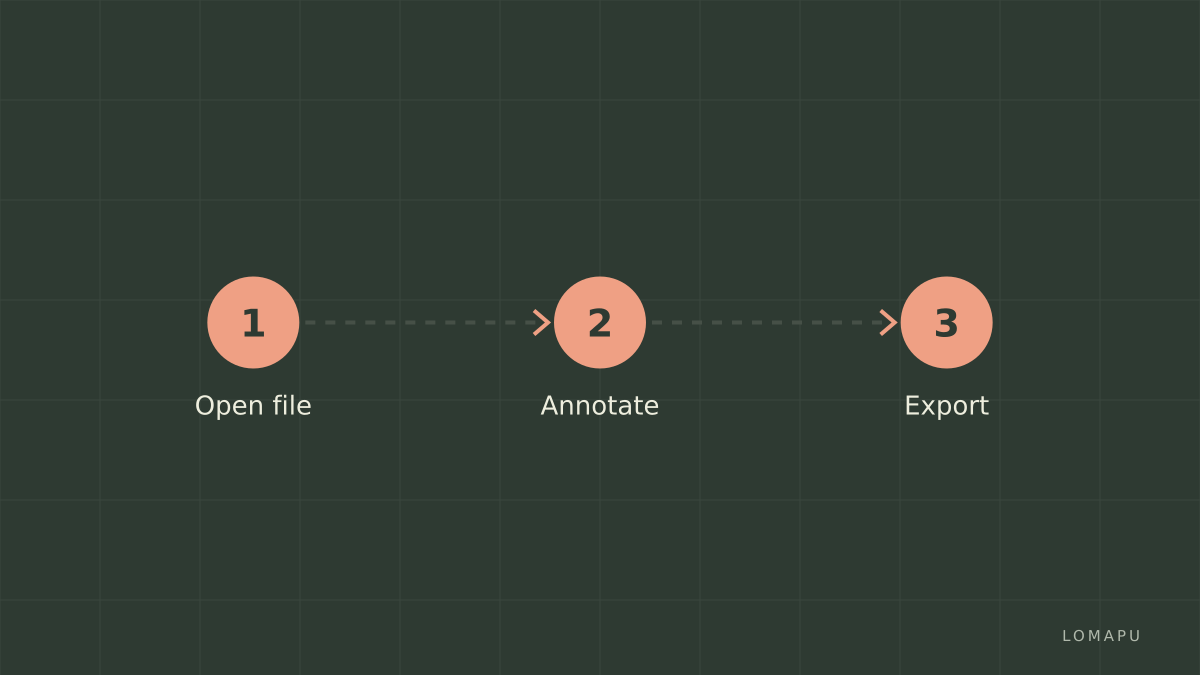
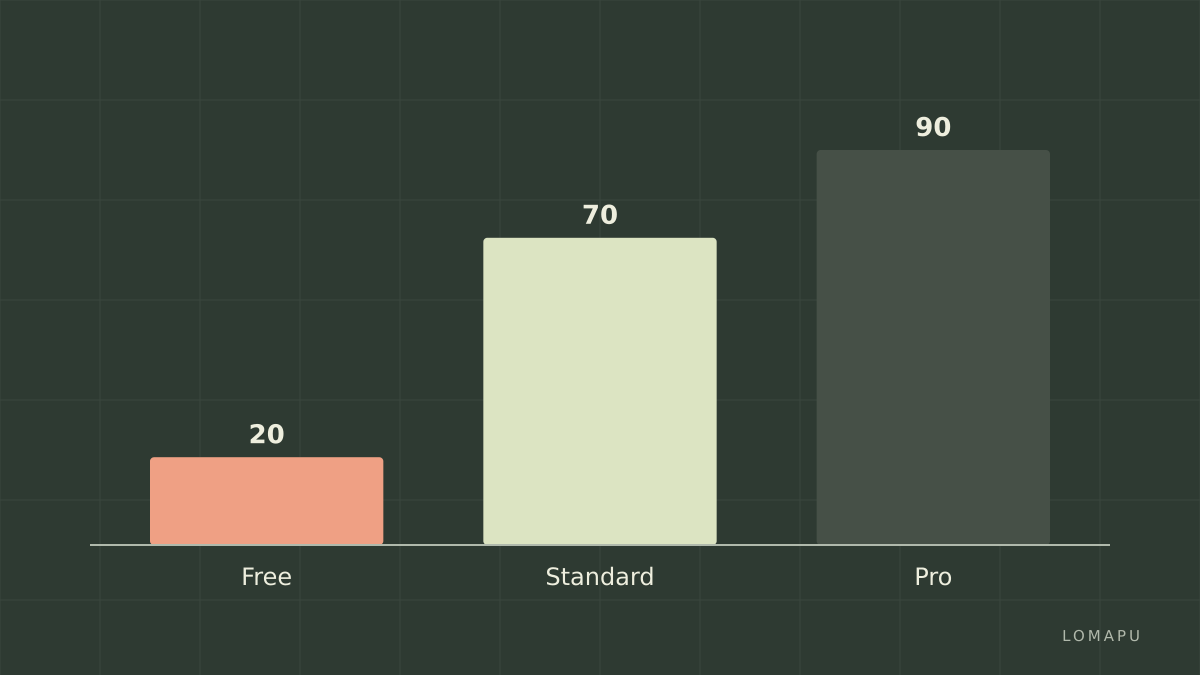
If your daily task is signing one PDF and emailing it twice a week, Free covers opening, annotating and form filling; accept the watermark on edited pages or export to a printer PDF as a workaround. If you produce client-ready documents without watermarks, upgrade to Standard for $69.99/year to remove watermarks and unlock full export. If you scan multi-page printed documents and need searchable text, choose Pro for OCR and batch conversion. Decision rule: if you need OCR or redaction regularly, Pro justifies its price; otherwise Standard removes the single biggest friction, the watermark.
Step plan – decide and act in 6 steps
Open a representative PDF in PDFelement Free and perform the edits you would normally make.
Export the edited PDF and check for a watermark and layout fidelity; if watermark present, note whether that is acceptable for recipients.
List required advanced features: OCR, redaction, batch convert, form creation; mark any you need at least weekly.
Match needs to plan: need only watermark-free exports → Standard; need OCR/redaction → Pro. Use the pricing page to confirm current Windows or Mac prices.
If unsure, try the trial of the paid plan to verify OCR and batch speed on your files before an annual purchase.
After one month, reassess usage: if under 5 edited PDFs/month with no client complaints, revert to Free.
What to avoid and one honest limitation
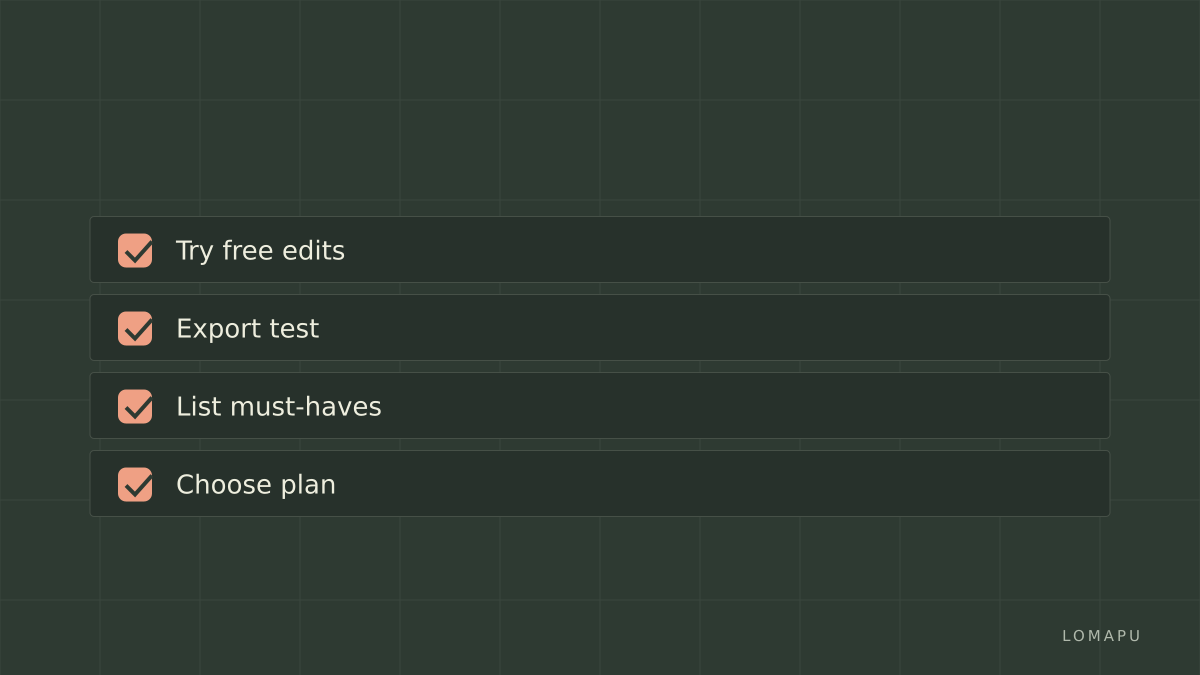
Do not assume the free version is watermark-free; many users attempt multiple exports before noticing the watermark on edited pages. One honest limitation of PDFelement Free is that it does not remove export watermarks from edited files, which forces an upgrade for professional-ready PDFs. An alternative for minimal edits is Adobe Acrobat Reader DC for viewing and limited annotations, or a pay-per-file web tool like Smallpdf for one-off clean exports.
FAQ about "pdfelement free"
Q: Can I read any PDF with pdfelement free? A: Yes, PDFelement Free opens and displays standard PDF files and lets you annotate and fill forms; more complex features like OCR and batch conversion require paid plans. Use the features page to check support for form types and OCR capabilities (source: https://pdf.wondershare.com/pdfelement/features.html).
Q: Will the free version ever remove the watermark? A: No, the free version applies a watermark to exported files that contain edits; to remove the watermark you must upgrade to a paid Standard or Pro license listed on the pricing page (source: https://pdf.wondershare.com/pdfelement/pricing.html).
Q: Is OCR available in the free plan? A: OCR is not available in the free plan; searchable text and scanned-to-searchable conversion are Pro-only features per the product feature list (source: https://pdf.wondershare.com/pdfelement/features.html).
Q: Can I use pdfelement free on multiple devices? A: You can install the free version on multiple devices, but paid licenses are tied to the terms listed on the pricing page and may restrict simultaneous activations.
Q: How do I choose between Standard and Pro? A: Choose Standard if your priority is watermark-free exports and basic conversions; choose Pro if you need OCR, redaction or batch processing. Compare required features against the pricing page to confirm which plan matches your workload.
Decision rule: If you regularly deliver client-facing PDFs without tolerance for watermarks, upgrade to Standard; if you also scan, redact, or batch-process more than five files per week, choose Pro.