Qustodio app: 3 checks before you subscribe (family use)
Quick decision guide for the qustodio app with a comparison table, a 3-step setup plan and pricing pointers including the 10-device figure and where to buy it.

Some links in this article lead to partner services. If you make a purchase there, the site may receive a commission; this does not affect the price or our assessment.
The qustodio app is a workable parental control tool for families who need screen limits, app blocking and location on up to 10–15 devices; the midsize plan lists 10 devices for $96.95 per year (see https://www.qustodio.com/en/pricing/). Qustodio covers web filtering, time limits per device, and an SOS location feature tied to the child's device; one limitation is that it cannot block encrypted DNS system-wide on some Android setups. Below you get quick takeaways, a compact comparison table with prices, scenario-driven advice, and a step plan to go from install to working rules.
In short – key takeaways
Q1: Coverage and cost – Qustodio Premium covers 10 devices at $96.95/year on the mid plan (pricing page: https://www.qustodio.com/en/pricing/). Qustodio Premium 10-dev plan for family monitoring
Q2: Must-check feature – confirm the app can block the specific apps your children use (YouTube, TikTok) via Rules > Apps, because app-level blocking varies by OS (see Features: https://www.qustodio.com/en/features/).
Q3: Privacy and limits – Qustodio logs web history and app use; it does not fully control encrypted DNS on some Android phones, which can let some sites bypass filtering.
Q4: Alternative – If you need social monitoring and SMS checks, consider Bark as an alternative; Bark focuses on content scanning rather than strict time caps.
Option | Who it suits | Key number or price | Main drawback |
|---|---|---|---|
Qustodio Premium (mid plan) | Families with 2–4 kids on phones/tablets | $96.95 / year – 10 devices (see https://www.qustodio.com/en/pricing/) | App blocking may require extra Android settings and cannot intercept all encrypted DNS |
Qustodio Premium (large plan) | Extended families or many devices | $137.95 / year – 15 devices (see https://www.qustodio.com/en/pricing/) | Higher cost if you need only a single device |
Qustodio Free | Single-child trial or basic use | Free; limited features, basic monitoring | No advanced time scheduler or detailed reports |
How does Qustodio handle app blocking and time limits?
Qustodio uses a Rules > Apps screen to block or allow apps per child profile and enforces daily and bedtime schedules under Rules > Time limits. For Android, you must grant the app device admin rights and accessibility access to enable app blocking; if the phone uses a custom encrypted DNS provider, some web traffic can bypass filtering, so check Settings > Network for DNS issues. The Qustodio features page lists "App control, Screen time, Web filters, Location" as core items (https://www.qustodio.com/en/features/). If you need enforced lockout during homework, use Scheduler with a strict "block internet" window rather than rely solely on daily limits.
Which plan should I pick for a family of four devices?
If you have four children and each uses two devices, choose the 10-device mid plan at $96.95/year; that covers phones and tablets with a margin. For two children using one device each, the 5-device plan at $54.95/year is usually enough. Match device count, not child count: count phones, tablets and laptops that need monitoring. Remember that the free tier offers basic reports but no detailed time controls, so it works only for trialing. See the pricing page for current bands: https://www.qustodio.com/en/pricing/.
Setup and immediate checks to avoid common mistakes
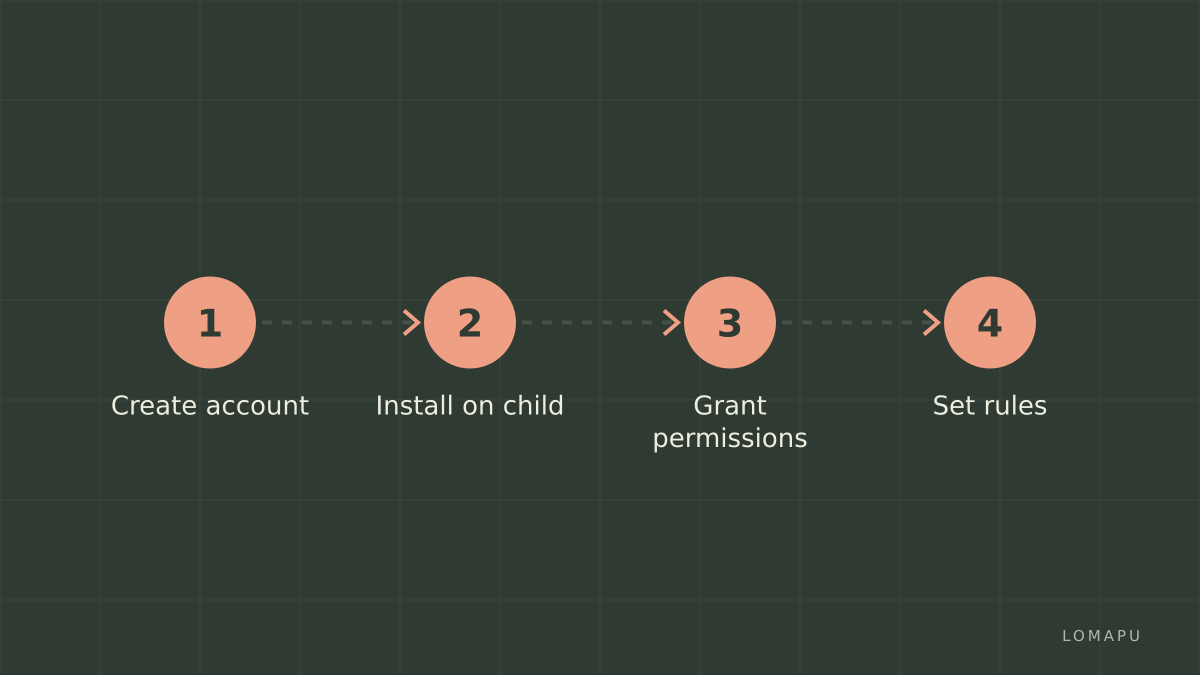
Create one parent account and a child profile per person on the console; link each child profile to the child's device during installation.
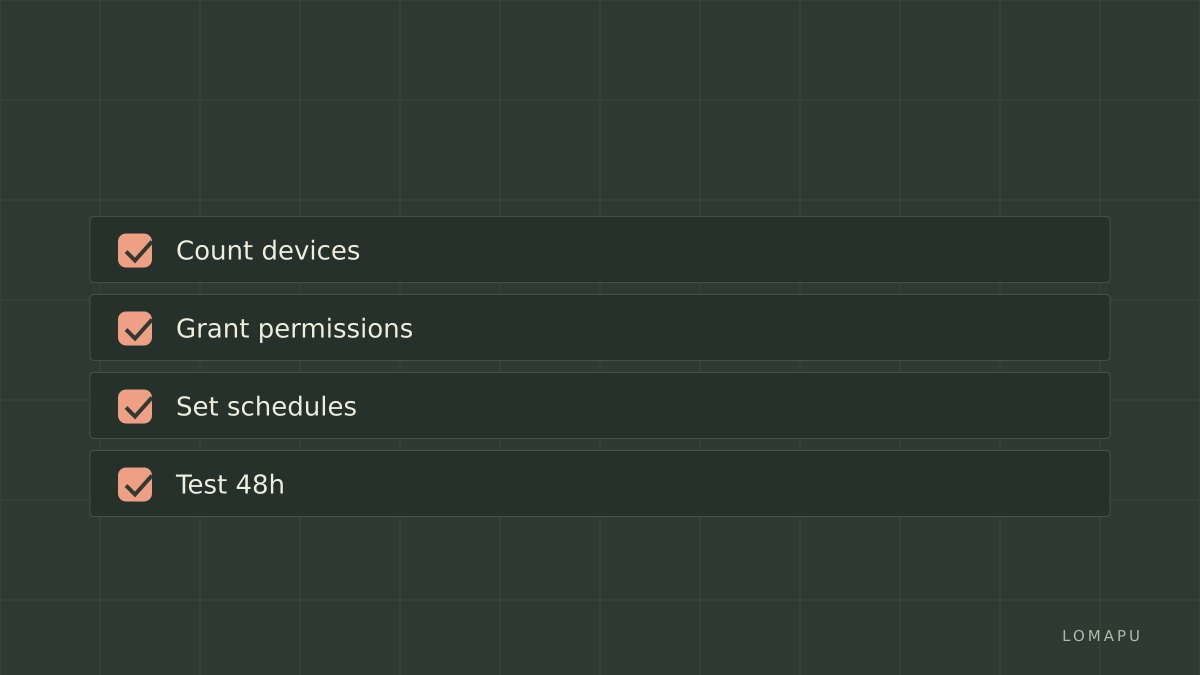
On each Android device, grant Accessibility and Device Administrator access to enable app blocking. On iOS, install the profile and enable Screen Time integration for deeper controls.
Configure Rules > Time limits first, then Rules > Apps and Rules > Web filter; if you set app blocks before device permissions, blocks may not apply.
Test with one device for 48 hours and check Reports for activity anomalies; if websites still appear unfiltered, inspect the child's DNS and VPN settings.
Use the SOS location feature to verify GPS reporting on the child's device.
Scenario: travel, schoolwork hours and teen privacy
Travel: use the Scheduler to freeze non-essential apps during transit and enable Location alerts for a lost device. For cross-border roaming, Qustodio's monitoring works but GPS accuracy depends on device services.
Schoolwork hours: set a strict Homework schedule that blocks entertainment apps, allow educational sites via Web filter white-list, and set small leisure windows after tasks.
Teen privacy: reduce reporting detail for teens by keeping activity summaries but not message content; if you need message scanning, choose Bark instead of Qustodio, since Qustodio focuses on limits and filtering rather than social content scanning.
Price checks and buying tips
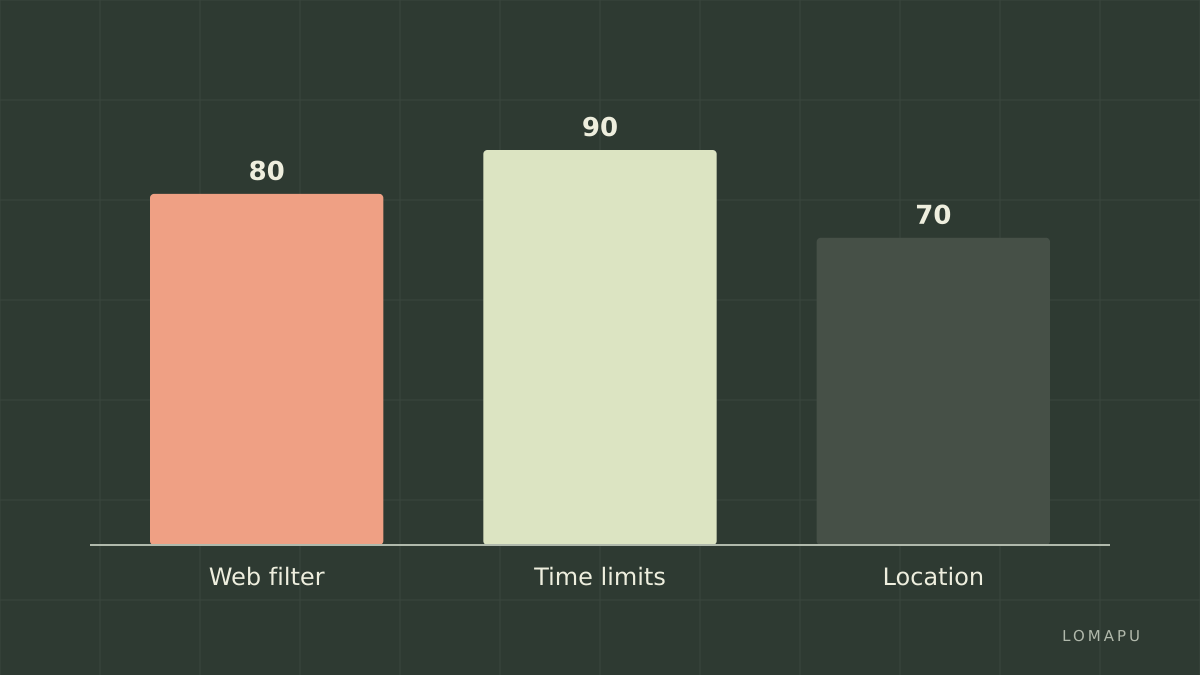
Buy the plan that matches device count to avoid paying for unused seats. Qustodio lists three paid tiers with device caps: 5, 10 and 15 devices; the mid 10-device tier is $96.95/year (https://www.qustodio.com/en/pricing/). Qustodio offers a 30-day refund window in some regions; check Support > Refunds for the exact policy (https://www.qustodio.com/en/support/). Use an annual plan to reduce per-month cost versus monthly billing if you plan long term. Qustodio Premium 10-dev plan for family monitoring
FAQ
Q: Can the qustodio app block YouTube and TikTok? A: Yes, Qustodio can block apps by name using Rules > Apps on supported Android and iOS devices; on Android you must grant Accessibility and Device Admin rights for reliable blocking. If an app is updated, recheck the block entry because package names can change.
Q: Will Qustodio slow my child's device? A: No major slowdowns are typical; Qustodio runs as a background service and uses modest CPU and memory, but older devices with limited RAM can feel a difference when multiple monitoring apps run simultaneously.
Q: What data does Qustodio collect and view? A: Qustodio logs web history, app usage, screen time and location; it does not publish message contents. Check Qustodio's privacy pages for the full data handling statement and retention rules (https://www.qustodio.com/en/support/).
Q: Can Qustodio detect a VPN or DNS bypass? A: Qustodio cannot always block traffic routed through a VPN or custom DNS; check device network settings and disable unknown VPNs to maintain filtering.
Q: Is there a free trial? A: Qustodio offers a free tier with limited features and occasionally a free trial of Premium; confirm availability on the pricing page before purchase (https://www.qustodio.com/en/pricing/).
Final decision rule If you need reliable device-level time controls and web filtering across up to 10 devices for family use, choose the Qustodio mid plan for $96.95/year and start with a one-device test; if you require social-media message scanning instead, pick Bark as the alternative. Qustodio Premium 10-dev plan for family monitoring
Sources:
https://www.qustodio.com/en/pricing/
https://www.qustodio.com/en/features/
https://www.qustodio.com/en/support/